How Internal Linking Improves SEO: A Complete Guide for Higher Google Rankings in 2026

Introduction
Getting people to visit your website is only part of the challenge. The real goal is helping both visitors and search engines find the right information quickly. One of the easiest and most effective ways to achieve this is through Internal Linking SEO.
Many businesses spend time creating blogs, service pages, and landing pages but forget to connect them properly. Without a strong internal linking strategy, valuable pages often remain hidden, and search engines may struggle to understand your website structure.
Google has repeatedly highlighted the importance of helping users discover relevant content. Internal links create a clear path for both visitors and search engine crawlers, making it easier to understand your website and rank your pages.
According to Google’s SEO documentation, internal links help search engines discover pages and understand how different pieces of content are related. Websites with well-planned internal linking often experience improved crawling, better user engagement, and stronger organic visibility.
In this guide, you’ll learn how Internal Linking SEO works, why it matters in 2026, and how your business can use it to improve rankings and increase organic traffic.
What Is Internal Linking SEO?
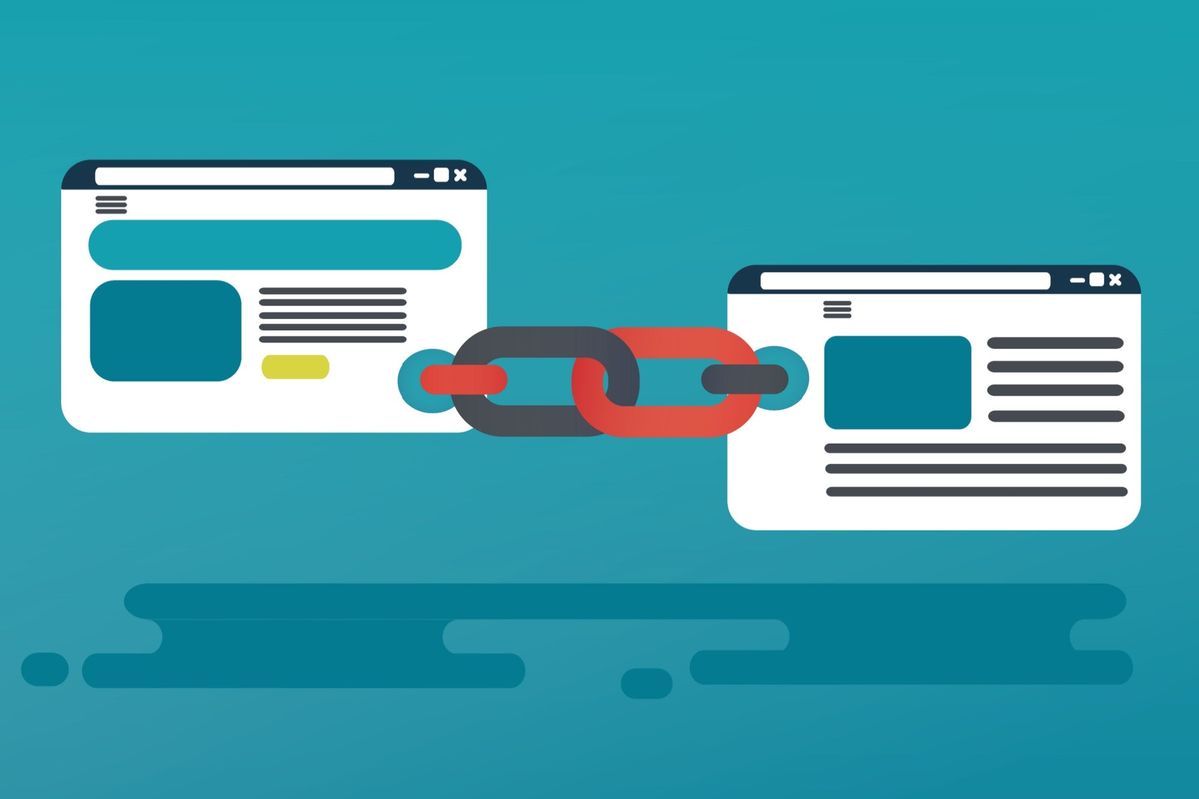
Internal Linking SEO is the process of linking one page of your website to another page on the same website.
For example:
- A blog about website development linking to your Website Development service page.
- A cyber security article linking to your Managed Cyber Security Services page.
- A cloud solutions page linking to another article about cloud migration.
These links help visitors discover more useful information while helping Google understand your website’s content structure.
Why Internal Links Matter for SEO
Search engines use links to discover content.
When your pages are connected properly, Google can:
- Crawl pages faster
- Understand relationships between topics
- Pass authority between pages
- Identify your most important pages
Without internal links, valuable content can become “orphan pages” that receive little or no visibility.
Benefits of Internal Linking SEO
1. Helps Google Crawl Your Website
Google’s bots follow links to discover new content.
A strong internal linking structure ensures every important page is easy to find.
This improves:
- Crawl efficiency
- Indexing speed
- Content discovery
2. Improves User Experience
Visitors often have additional questions after reading an article.
Providing relevant internal links keeps users engaged.
Example:
Someone reading about cloud solutions may also want to learn about:
- Cyber security
- Website development
- Managed IT Services
Instead of leaving your website, they continue exploring.
3. Distributes Page Authority
Not every page receives backlinks from other websites.
Internal links help distribute authority across your website.
If one page performs well, it can pass some of its authority to related pages through strategic internal linking.
4. Increases Time on Site
Visitors who click multiple internal pages usually spend more time on your website.
Longer sessions often indicate that users are finding valuable content.
This creates a better overall experience.
5. Supports Topic Clusters
Google prefers websites that demonstrate expertise in specific subjects.
Instead of publishing unrelated articles, connect similar topics.
Example:
Digital Marketing
↓
SEO Services
↓
Technical SEO
↓
Website Optimisation
↓
Content Marketing
↓
Local SEO
This creates a clear topical structure.
Internal Links for SEO vs External Links
| Internal Links | External Links |
|---|---|
| Connect pages within your website | Connect to another website |
| Improve website structure | Add credibility and references |
| Help Google crawl pages | Support facts and research |
| Keep visitors engaged | Send users to external resources |
Both are important, but internal links give you complete control.
Best Practices for Internal Linking SEO in 2026
Use Descriptive Anchor Text
Avoid:
- Click here
- Read more
- Learn more
Instead use:
- Website Development Services
- Managed Cyber Security Services
- Cloud Migration Solutions
This helps both users and search engines understand the destination page.
Internal linking delivers the best results when combined with strong on-page optimisation. Elements such as title tags, headings, image optimisation, and keyword placement all work together to improve search visibility. To learn more about these essential techniques, read our guide on On-Page SEO Mastery: 7 WordPress Tweaks for Top Google Rankings in 2026:
https://genesisdigitech.com/on-page-seo-mastery-7-wordpress-tweaks-for-top-google-rankings-in-2026/
Link to Relevant Pages
Every link should naturally fit within the content.
Don’t force links simply because you want to.
Google values relevance.
Link to Important Pages More Often
Your highest-value pages should receive more internal links.
Examples include:
- Service pages
- Contact page
- Industry solutions
- Core landing pages
Keep Navigation Simple
Users should reach important pages within a few clicks.
Simple navigation improves both user experience and crawlability.
Update Older Content
Every time you publish a new blog, return to older articles and add links to the new content.
This keeps your entire website connected.
Common Internal Linking Mistakes
Many websites unknowingly reduce their SEO performance by making simple mistakes.
Avoid these issues:
- Too many links on one page
- Broken internal links
- Using identical anchor text everywhere
- Linking to irrelevant pages
- Forgetting older blog posts
- Creating orphan pages
Regular audits help identify these problems.
Real Example of Internal Linking Success
Imagine a business publishing 100 blog articles over three years.
Without internal links:
- Visitors read one article and leave.
- Older content receives little traffic.
- Service pages remain hidden.
After implementing a structured internal linking strategy:
- Every blog links to related blogs.
- Blogs link to service pages.
- Service pages connect to case studies.
- Case studies link to contact pages.
The result is a website that is easier to navigate, easier for Google to crawl, and more likely to keep visitors engaged.
Internal Linking Checklist
Before publishing any new content, ask yourself:
✔ Have I linked to at least 3–5 relevant pages?
✔ Have I used natural anchor text?
✔ Does every link provide value?
✔ Have I updated older blogs?
✔ Are important service pages receiving links?
✔ Have I checked for broken links?
Following this checklist consistently helps build a stronger website over time.
How Genesis Digitech Can Help
At Genesis Digitech, we understand that successful SEO optimisation goes beyond adding keywords.
Our team creates website structures that help both users and search engines navigate content efficiently. From technical SEO and content strategy to website development and ongoing optimisation, we focus on building websites that are easy to crawl, user-friendly, and designed for long-term growth.
Whether you’re improving an existing website or launching a new one, a well-planned internal linking strategy can become a valuable part of your overall SEO success.
Conclusion
A great website isn’t just about attractive design or publishing regular content. It’s about making every page work together.
A smart Internal Linking SEO strategy helps search engines understand your website, improves user experience, distributes authority across your pages, and supports stronger organic rankings.
As Google’s algorithms continue to prioritise helpful content and clear website structures, internal linking remains one of the simplest yet most effective SEO techniques you can implement.
If your website has dozens—or even hundreds—of pages, now is the perfect time to review your internal links and create a stronger content structure.
Ready to improve your website’s SEO performance? Contact Genesis Digitech today to build a smarter internal linking strategy, optimise your website, and create a stronger foundation for long-term organic growth.
Frequently Asked Questions (FAQs)
1. What is Internal Linking SEO?
2. How many internal links should I add to a blog?
3. Does internal linking improve Google rankings?
4. What is the best anchor text for internal links?
5. How often should I update internal links?
6. Can internal links reduce bounce rate?
Get in Touch with Genesis Digitech
We’re here to help you transform your business through technology, innovation, and digital intelligence. Reach out to our team for project enquiries, partnerships, or service support.
Free Consultation!
Let’s discuss how Genesis Digitech can accelerate your digital
transformation journey!